AI product photography that stays on brand
Upload a product once and Biggsfield places it in any scene, from clean studio packshots to lifestyle photos, banners and video ads. Your logo, colors, fonts and tone come from your saved brand kit, so every shot matches the last. You pay credits per run, priced close to the real model cost, and failed generations are refunded.
- 1Save your brand kit and upload your product to the library.
- 2Pick a format or app, such as Product Photo or Splash Packshot.
- 3Generate, edit with words, then upscale for print.
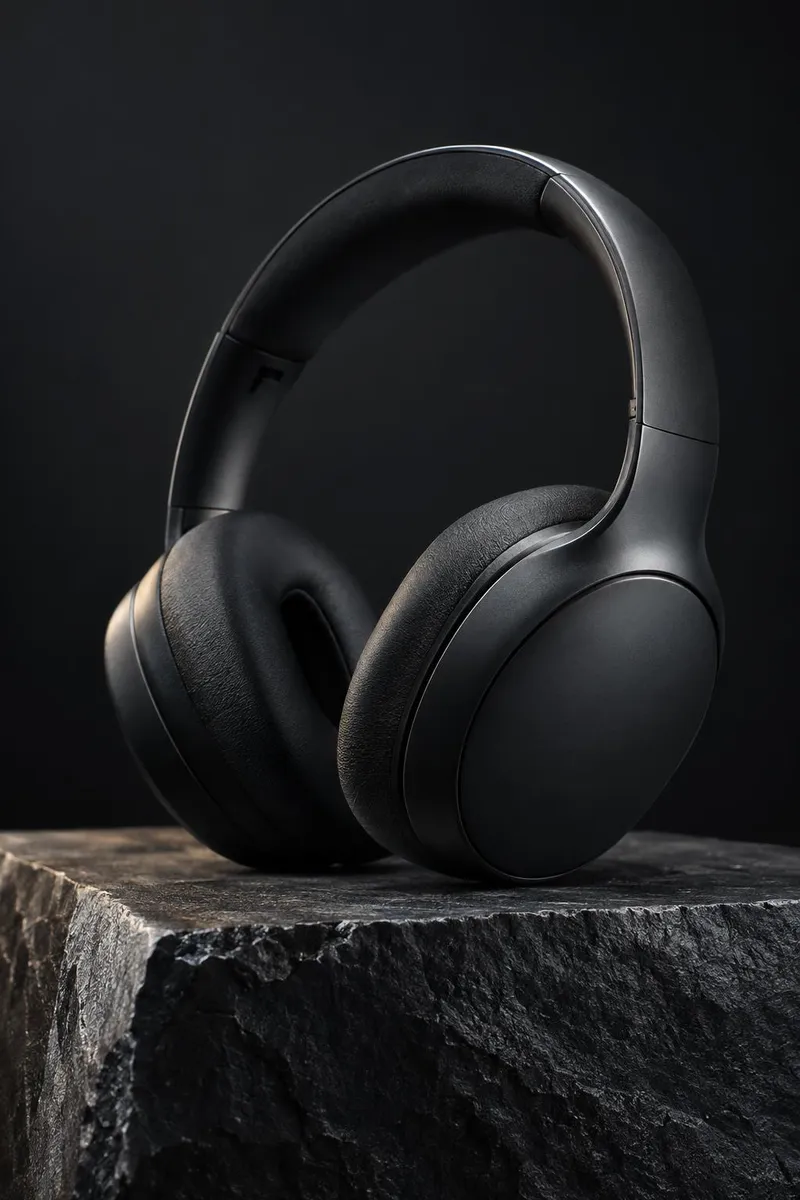
Your products and brand, saved once
Biggs Ads keeps a brand kit with your logo, colors, fonts, tone and audience and applies it automatically to everything you generate. Upload a product to the product library and you can place it in any scene without re-uploading. From there you can create product shots, lifestyle photos, banners and video ads in feed, story, banner, UGC and video ad variants in one go. If you already have a product page, paste the URL and get a ready-to-run ad. Use is commercial, and nothing is trained on your uploads.
Nano Banana 2.1 and GPT Image 2.5 for product shots
Nano Banana 2.1 from Google is the most realistic image and editing model in the studio, with 4K output and character consistency. It costs 8 credits at 1K, 15 at 2K and 30 at 4K. Use it to change the light, the season or the setting while keeping the product identical. GPT Image 2.5 from OpenAI renders text, logos and infographics flawlessly and follows instructions to the letter, at 25 credits per image. Pick it when the label, a price tag or a headline has to read perfectly. Both run with the realism layer, giving you real lenses and real light with no plastic AI sheen.
One-tap apps for packshots, splashes and spins
When you don't want to write a prompt, use the apps tuned for products. Product Photo turns an everyday snapshot into a pro commercial shot. Splash Packshot puts your product in a slow-motion splash of water, juice or paint. 360° Product Video shows it off in a cinematic spin. Background Swap drops your product into any location, Menu Photo turns a phone snap of a dish into a menu-ready food photo, and App Mockup places your screenshot on a real phone in a lifestyle shot. For print, Topaz Upscale sharpens any image 2x to 4x for 14 credits.
What you can use
Tips
- With Nano Banana 2.1, write natural sentences and state exactly what must stay identical, for example: keep the bottle, label and cap unchanged and move it to a marble counter at golden hour.
- With GPT Image 2.5, put every word that must appear on the packaging or banner in quotes and describe the layout.
- Draft at 1K for 8 credits on Nano Banana 2.1, then rerun your favorite at 4K for 30 credits once the composition is right.
- Use Ad Multiplier to get distinct concepts for one product, with different hooks, audiences and settings, all rendered so you can A/B test them.
Questions
Can I use the product photos commercially?
Yes. Images are yours to use commercially, subject to the model providers' terms, and nothing is trained on your uploads.
How much does AI product photography cost on Biggsfield?
You pay credits per run, priced close to the real model cost. A Nano Banana 2.1 image costs 8 credits at 1K, 15 at 2K and 30 at 4K, and GPT Image 2.5 costs 25 credits per image. Failed generations are refunded.
Which model should I use if my product has text on it?
Use GPT Image 2.5. It renders text, logos and infographics flawlessly and follows instructions to the letter, so quote the exact words you need.
Can I make product videos too?
Yes. 360° Product Video creates a cinematic spin, Splash Packshot creates a slow-motion splash, and Biggs Ads generates video ad variants from your brand kit. URL to Ad turns a product link into a video ad with a script and voiceover.